Your Extend has a workflow.
Test the whole story.
An open-source testing framework built for Workday Extend.
Turn application source into focused test cases with your AI agent. Run them across the roles your application uses, then see the results with supporting evidence.
Designed for Workday Extend
Source contextAI-assisted designMulti-role testingFIVE STEPS. ONE CONNECTED PROCESS.
From the code you write
to the results you can inspect.
Bring your application and your business context. Follow one test from its first suggestion to the evidence behind its result.
-
01 / CONNECT
Start with your
source code.Connect the PMD, POD, AMD and SMD files from your Extend application. Daytective builds context from its pages, components, routes and services.
That gives test authoring a starting point in the application you actually built. You still confirm how its controls map to the running interface.
You leave withA source model to build on.FROM FILES TO CONTEXTConcept diagram PMDPages & fieldsPODShared componentsAMDRoutes & structureSMDService definitionsYour application, connected.Pages · Controls · Services
Source describes the structure. Your knowledge adds the business meaning.
-
02 / DISCOVER
Find what is
worth testing.Review suggestions derived from the application model. Choose the fields, interactions and business rules that deserve a closer look.
Turn a suggestion into a focused test. Give it a clear purpose and resolve anything still needed before execution.
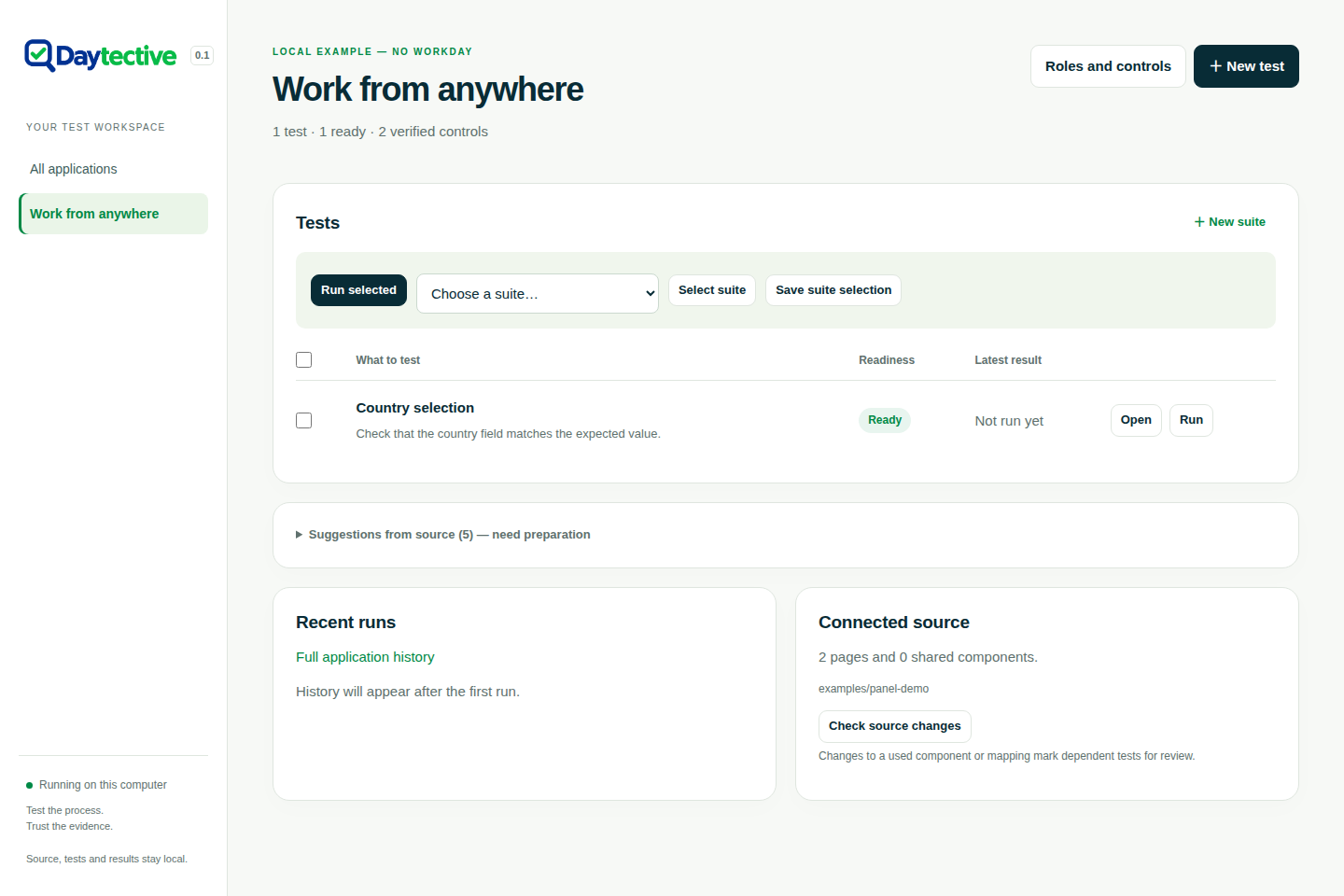
You leave withA deliberate starting point, not a blank page.A TEST TAKING SHAPEApplication UI Explore the workspace ↗A prepared test in the real interface, using sample data.
-
04 / EXECUTE
Follow the process.
Across its roles.Run a validated scenario through Playwright using the configured browser sessions. An employee’s request and a manager’s decision belong to the same process.
Identity checks and record correlation help keep each action tied to the intended role and request. If the outcome of a write is uncertain, stop for investigation rather than submit it again.
You leave withA recorded sequence of actions and observations.ONE PROCESS, DIFFERENT PERSPECTIVESExample flow EmployeeCreate a requestOwn browser sessionMatch the request, process and taskManagerReview and decideOwn browser sessionUncertain outcome? Pause and inspect before taking another action.
Illustrative employee-to-manager flow. Available roles depend on your application and configuration.
-
05 / REVIEW
See the result.
Trace the evidence.Inspect what ran, which role acted and how the observations compare with your expectations. Local HTML and JSON reports keep those details together.
A confirmed result, a failed expectation and an uncertain action need different responses. Read the supporting evidence before deciding what to change or investigate.
You leave withA result you can explain, not just a status.WHAT SUPPORTS THE RESULT?Report anatomy Read beyond the status.HTML for review · JSON for analysis- 01Expectation
What should the application do?
- 02Observation
What did the run actually observe?
- 03Supporting evidence
Which recorded details support that conclusion?
A guide to reading a report, not a screenshot or a claim of a successful run.
- 01
KEEP THE PROCESS IN YOUR HANDS
Bring your next workflow.
Local execution Your AI agent Inspectable reports